Purpose
This SOP guides clients through the steps to schedule a training session using their dashboard.
Steps for Clients:
Navigate to the 'Training' Section:
Scroll down on your dashboard and find the Training section.
You will be redirected to the We Need Training page.
Fill Out the Training Form:
Provide essential training details, including the desired Date and Topic.
Select Topics:
You can select multiple training topics.
If you select the Other option, a conditional logic box will appear for additional input.
Submit Your Request:
Click the Submit button to complete your training session request.
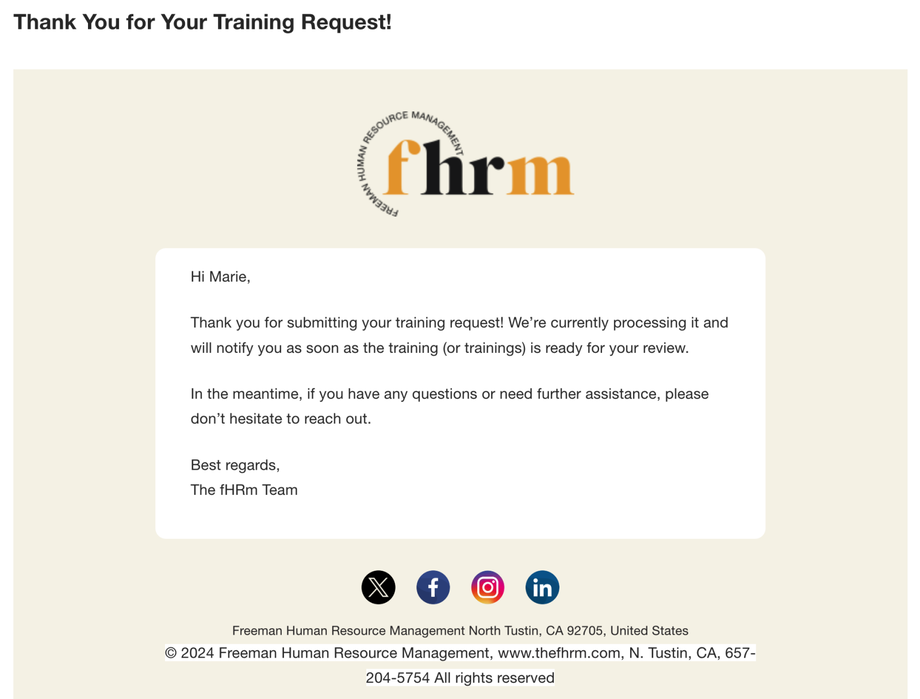
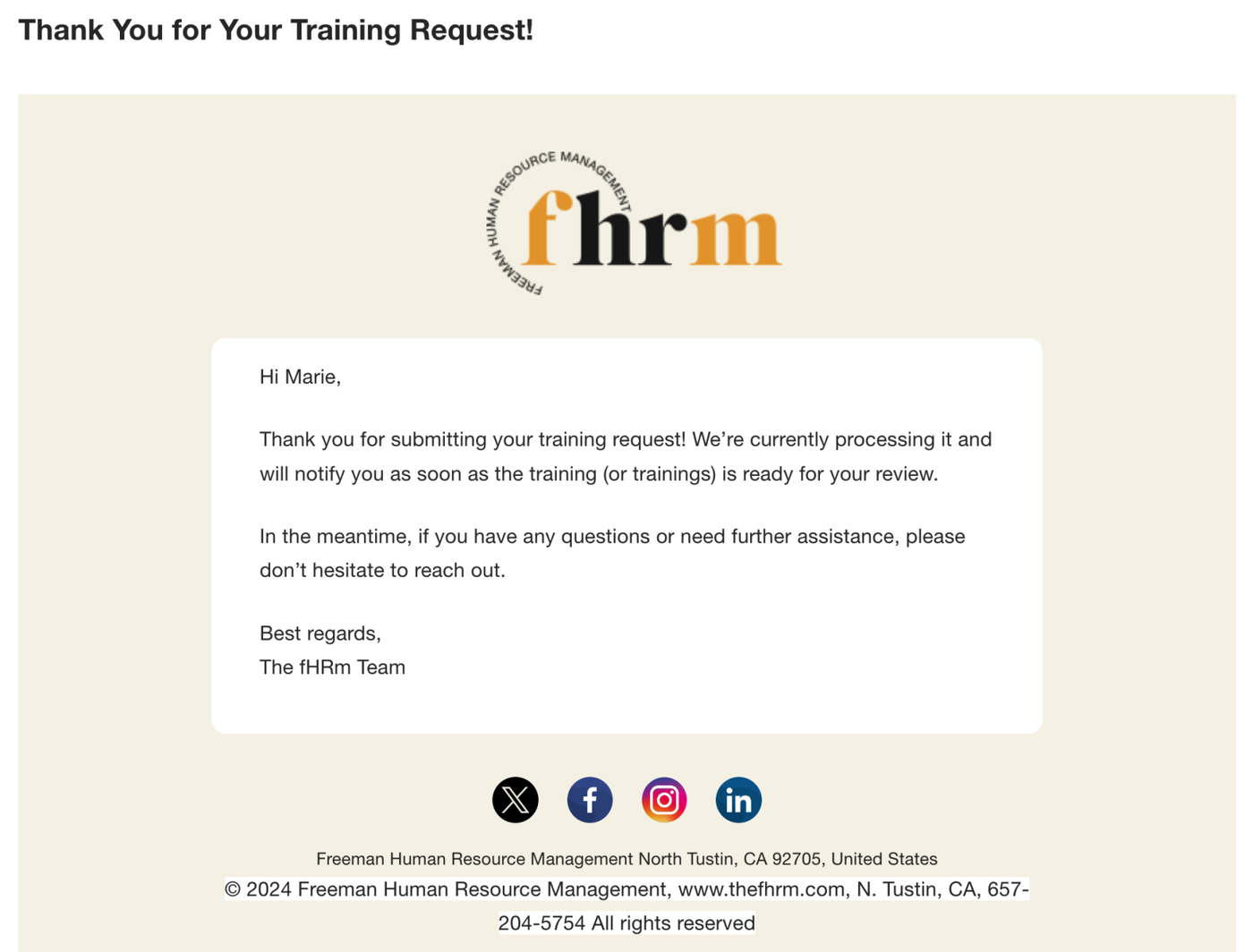
They will receive an email once they submit.
SuiteDash Links:
Additional Notes:
Ensure all required fields are filled in to avoid processing delays.
You will receive an email confirmation once the training session is scheduled.