Purpose
This SOP provides a step-by-step guide for clients to initiate disciplinary action and schedule a call using their dashboard.
Steps for Clients:
Initiate Disciplinary Action:
Scroll down on your dashboard and select Disciplinary Action.
This action will redirect you to the We Need a Disciplinary Action page.
Fill Out the Form:
Complete the provided form with the necessary details.
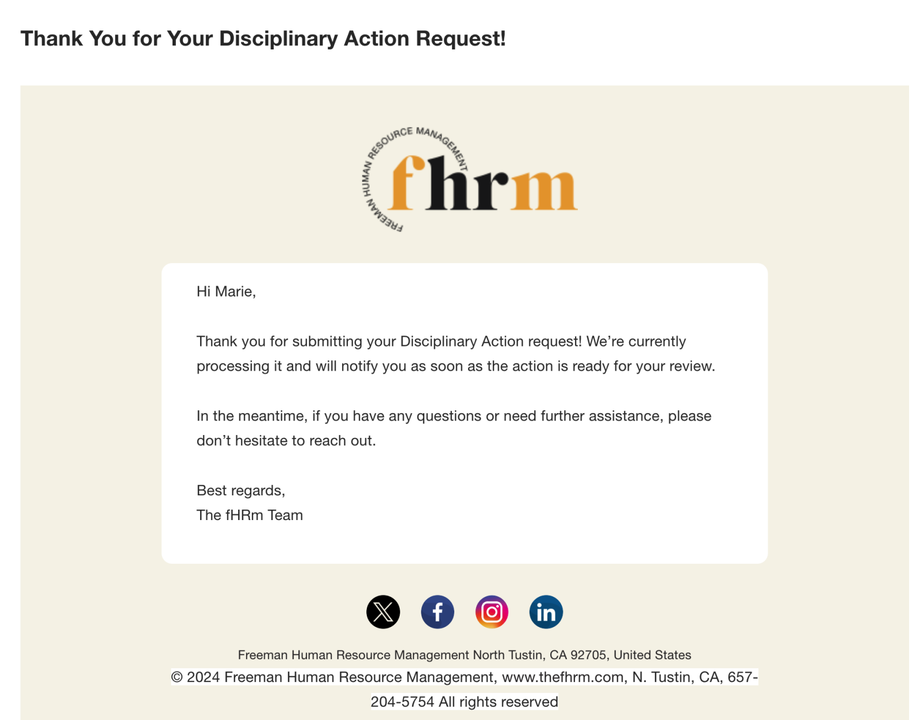
Submitting the form will trigger an email notification and generate a project related to the request.
Redirection to Dashboard:
After hitting Submit, you will be redirected back to your dashboard.
Schedule a Call (if needed):
If you prefer to schedule a call, scroll down to the Schedule a Call section on your dashboard.
Select the option to book a call.
Confirm Booking:
Click Book to schedule the call.
A backend notification will be sent to indicate that the call has been scheduled.

SuiteDash Links:
Additional Notes:
Clients will receive email notifications for both disciplinary action submissions and call scheduling.
Ensure that all required fields in the forms are filled out to avoid any processing delays.